We teach hundreds of people each year, and are amazed that even though many have Smartphones, they do not realise you can allow others to access your Medical Information via your phone. This is a very useful resource for Medical Professionals and First Aiders, potentially helping diagnose why you are unresponsive, or what blood type you are.
Simple Guide to Setting up Medical Information on your Iphone
If you follow the below guide, you can set up your Iphone to allow others to access your Medical ID. We believe Android also has a similar option.
How do I find Medical Information on someones Iphone?
Step 1. press the “Emergency” button on your Lock screen

Step 2. Press “Medical ID” on the Emergency Screen

Step 3. View medical information on the Medical ID screen – shown below.
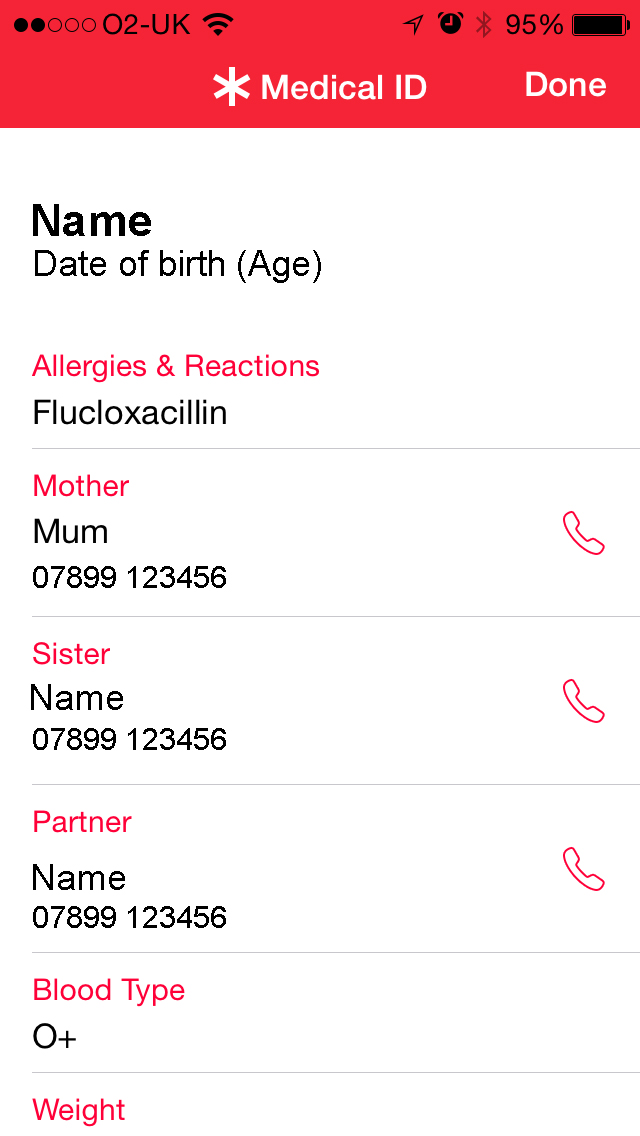
How do you set up my Iphone for Medical Information?
It is very simple.
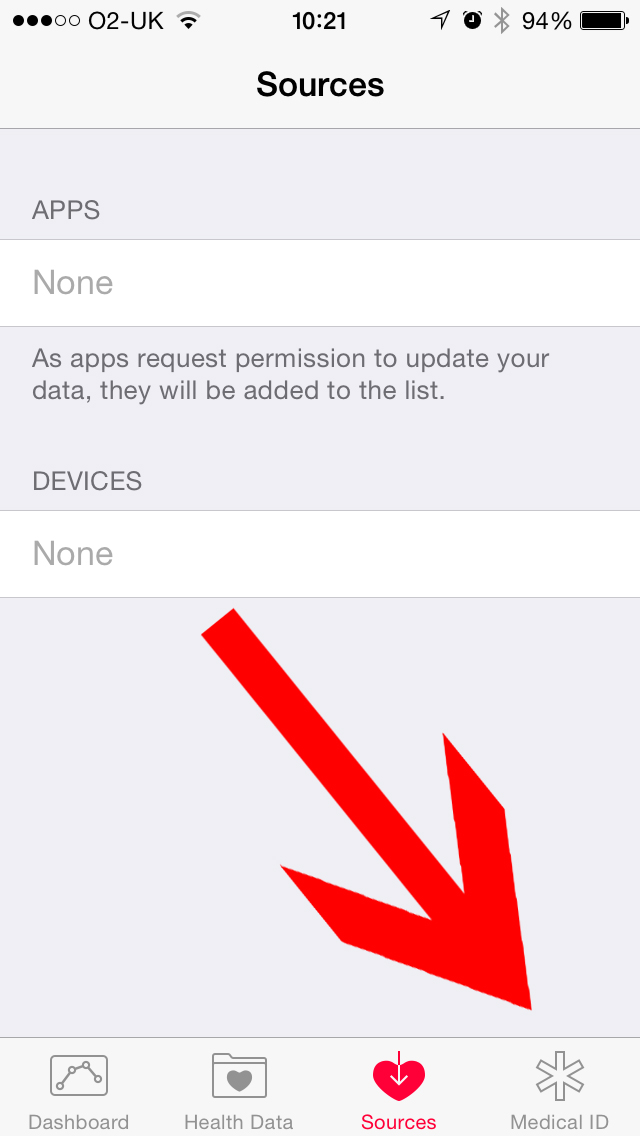
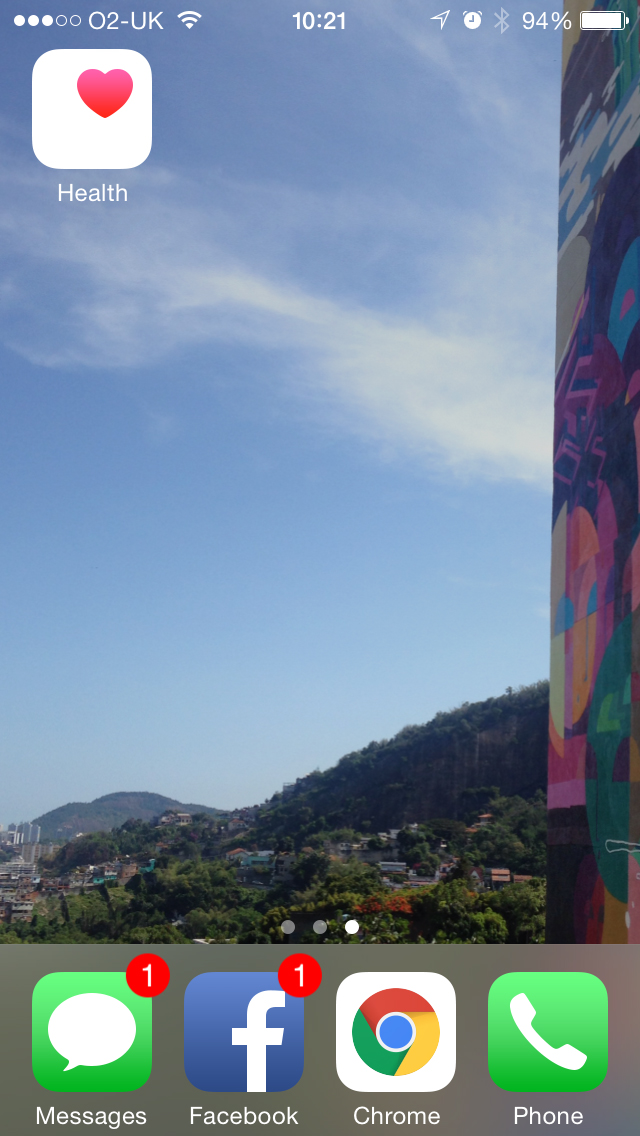
- Click on the Health App
- Click on the Medical ID button, and then click edit on the next screen.
- Input information that you want others to be able to access. Such as allergies, medication, and emergency contact numbers.
 ge-330″ />